Setting Keys
There are four ways to set a key. All of them follow the same rules (a key set in .env is read-only, only declared names are accepted) and run the same provider check before storing.
Overseer
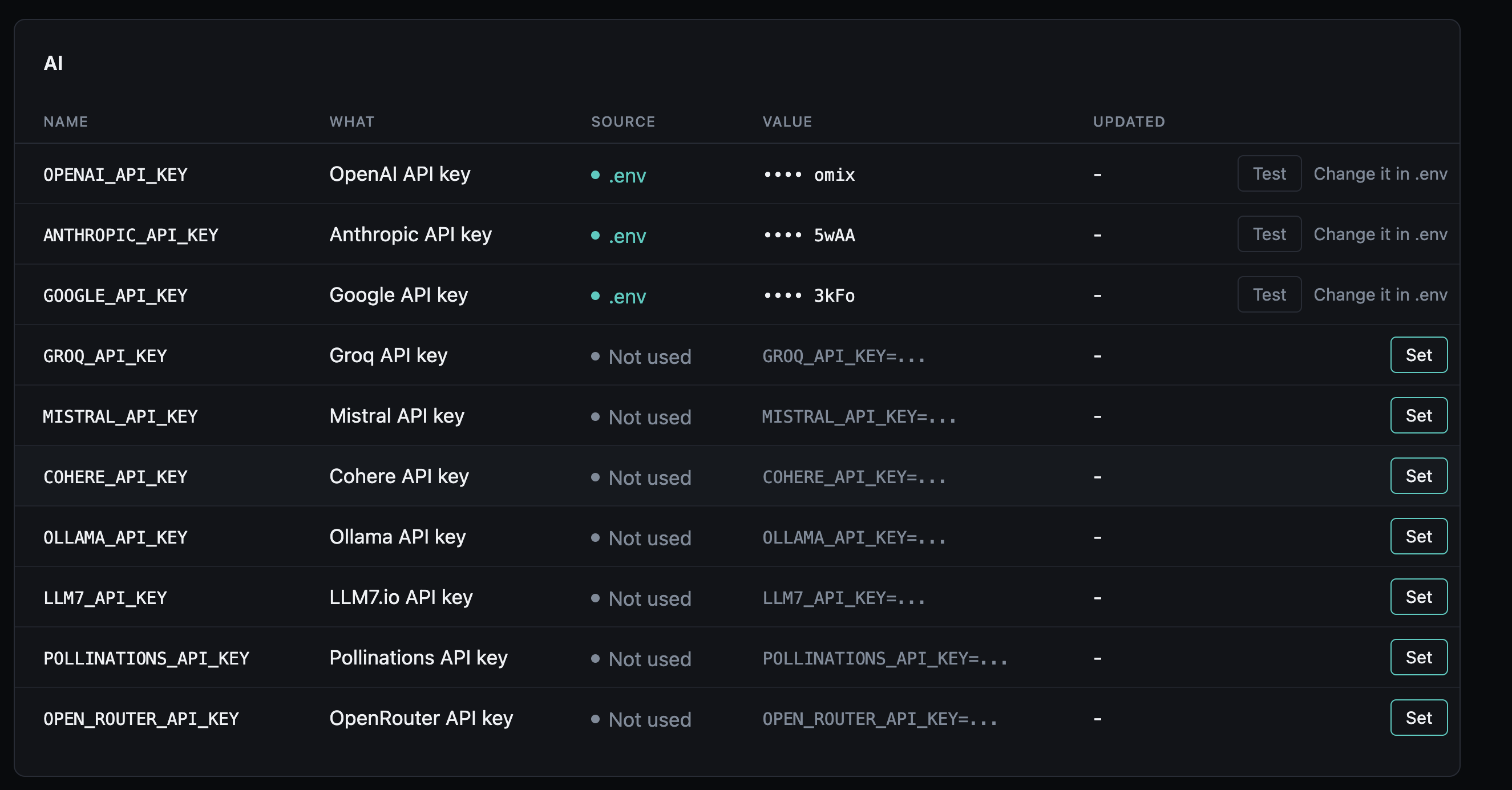
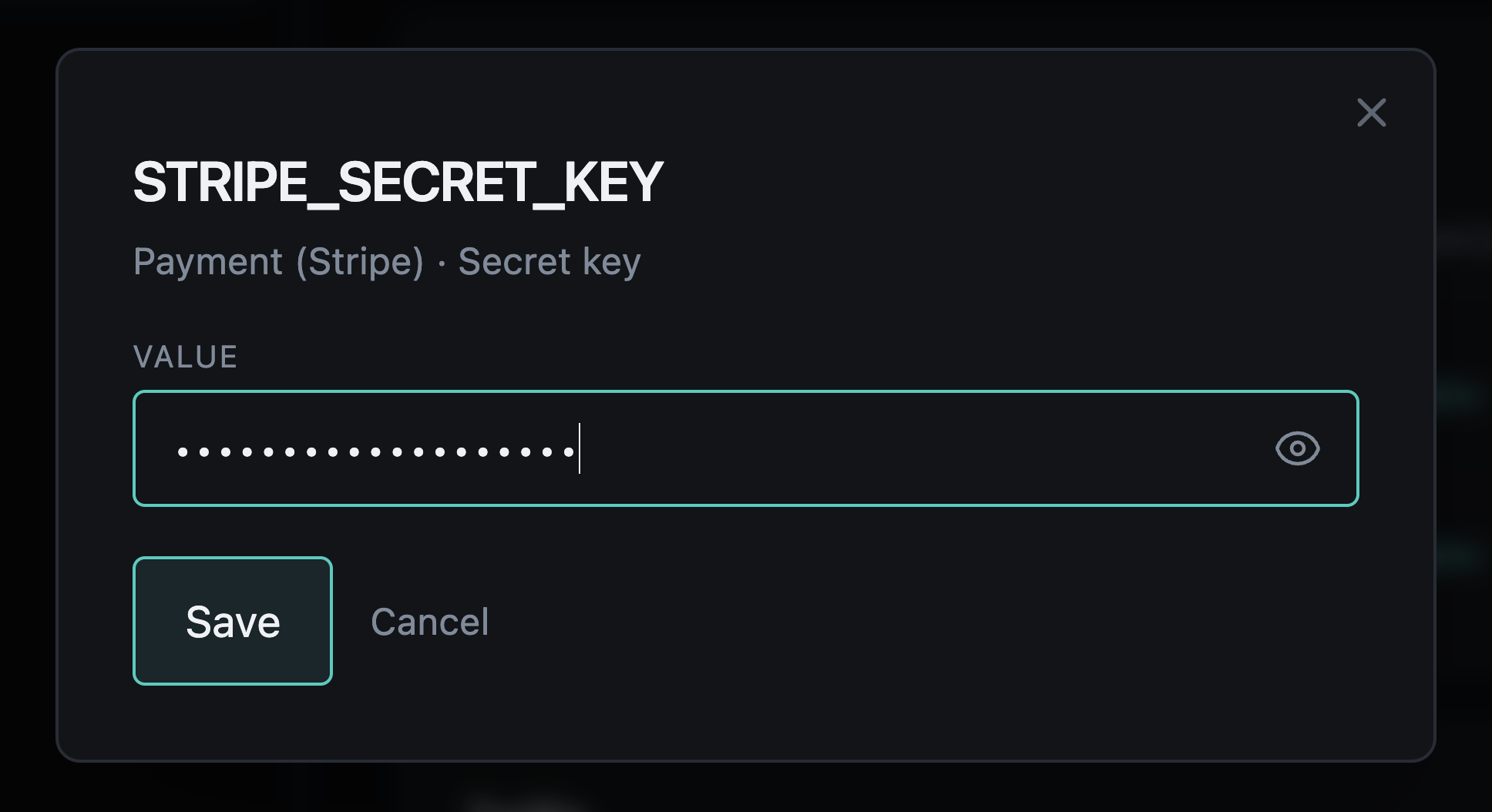
The component's page, Overseer > Components > Secrets, lists every declared key, grouped by the code that reads it. A key not set in .env has Set (or Replace), which opens a dialog with an empty password field: a value goes in, and only its last four characters come back. A stored key also offers Remove, and any key with a check has Test. The Overseer is admin-only (see Who can open the Overseer).
Flet dashboard
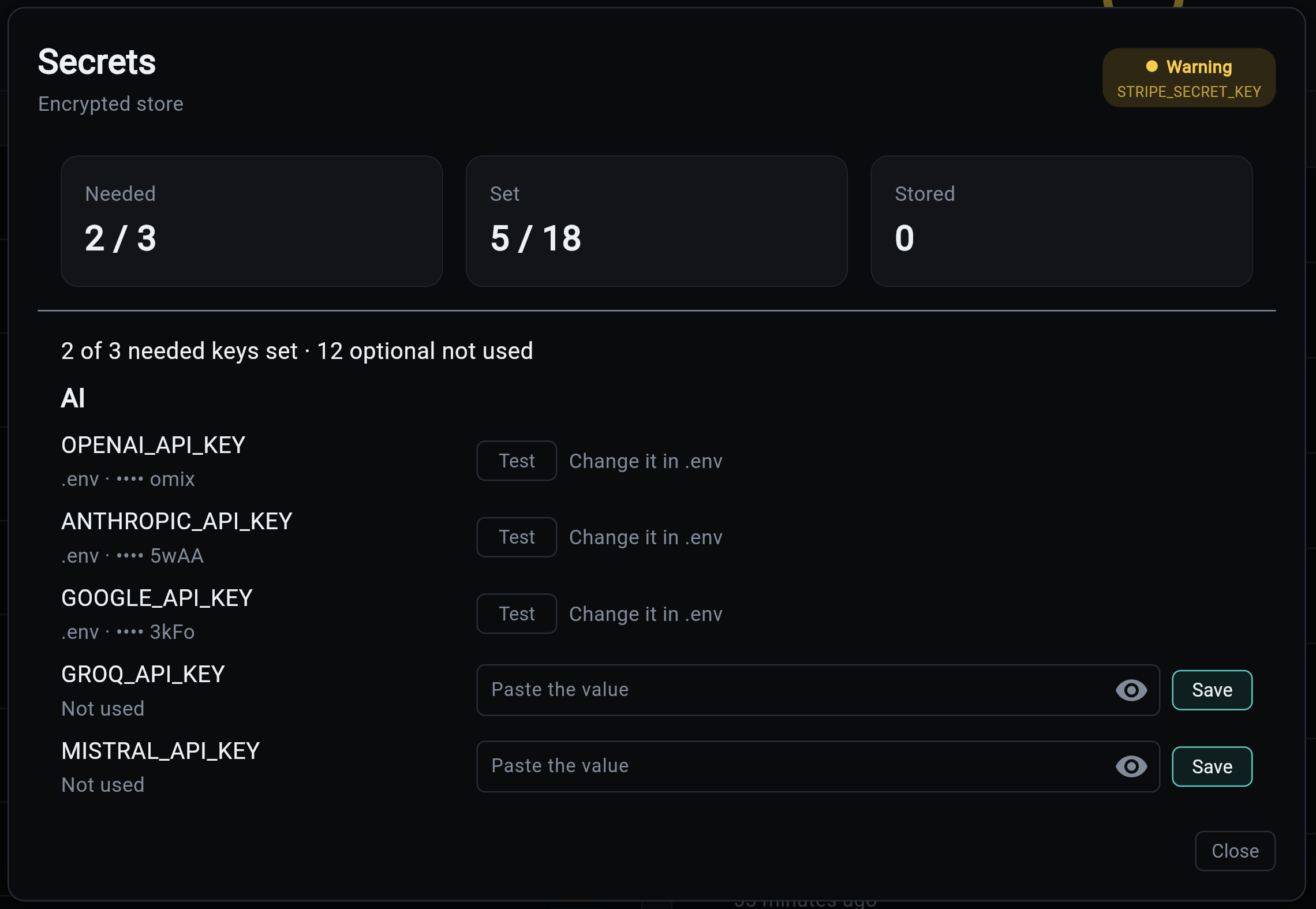
The Secrets card shows how many needed keys are set, how many declared keys are set, and how many are stored. Its modal lists every key with a paste field, Save, Remove and Test, all through the API below.
CLI
A value comes from a hidden prompt, or from stdin when piped, never as an argument, where it would land in shell history and the process list.
my-app secrets list                          # where each key is set, never a value
my-app secrets set RESEND_API_KEY            # hidden prompt; checked, then stored
op read "op://ops/resend/key" | my-app secrets set RESEND_API_KEY
my-app secrets test RESEND_API_KEY           # exits 1 if the provider refuses it
my-app secrets delete RESEND_API_KEY
API
Admin-only, with the auth service:
| Route | Does |
|---|---|
GET /api/v1/secrets |
Every declared key: source, hint, needed, whether it can be checked or picked |
GET /api/v1/secrets/{name}/choices |
What the provider offers for it, as value and label |
PUT /api/v1/secrets/{name} |
Store {"value": "..."}; answers with the status and the check. 422 if the provider refuses it, 409 if .env or a read-only backend owns it, 404 for an undeclared name |
DELETE /api/v1/secrets/{name} |
Remove the stored value (204) |
POST /api/v1/secrets/{name}/test |
Check the key in effect; result is verified, unverified or rejected, with a message |
No route returns a value.
Other places that set keys
With the component installed, the other places that used to write a key into .env save it in the store instead, with the same check and audit:
- the Flet dashboard's Comms modal (Email and SMS/Voice tabs, Edit), which then works outside dev mode too;
my-app ai add-provider, which prompts for the provider's key.
Without the component they write .env in dev mode, as before.
The forms and routes that change a key are POST, PUT or DELETE only, and the session cookie is SameSite=Lax, so a browser never sends it with a cross-site form post: no separate CSRF token is needed. Over the network a key is only as safe as the transport, so production needs the ingress component's TLS option before keys are set there.