Server
The Server page is the webserver, the one part every stack has: how it is doing, what reaches it, and what it serves.
| Section | Shows |
|---|---|
| Overview | Its status, its containers' CPU and memory over time, and endpoints that are not routes |
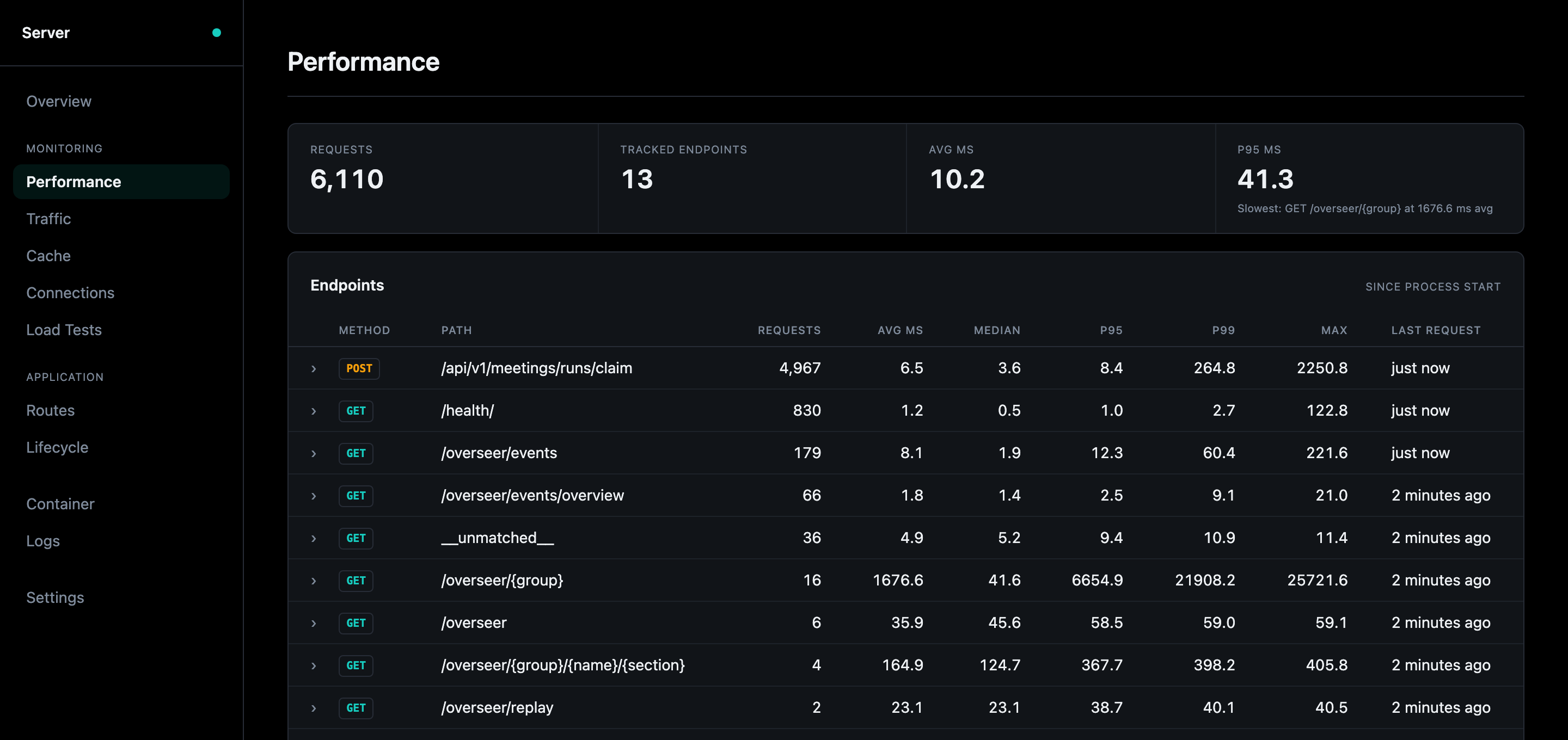
| Performance | Each endpoint's requests and latency (min, average, median, p95, p99, max) since the process started |
| Traffic | Where requests come from: the top source IPs and each one's share, with a warning when one dominates |
| Cache | What is in the cache, grouped by what it is for, how much room each group takes, and whether it earns that room (hit rate) |
| Connections | Every WebSocket and event stream, open and recently closed; a row opens its timeline |
| Load Tests | Start a load test on a route, and every run with its throughput, latency and errors, the CLI's included |
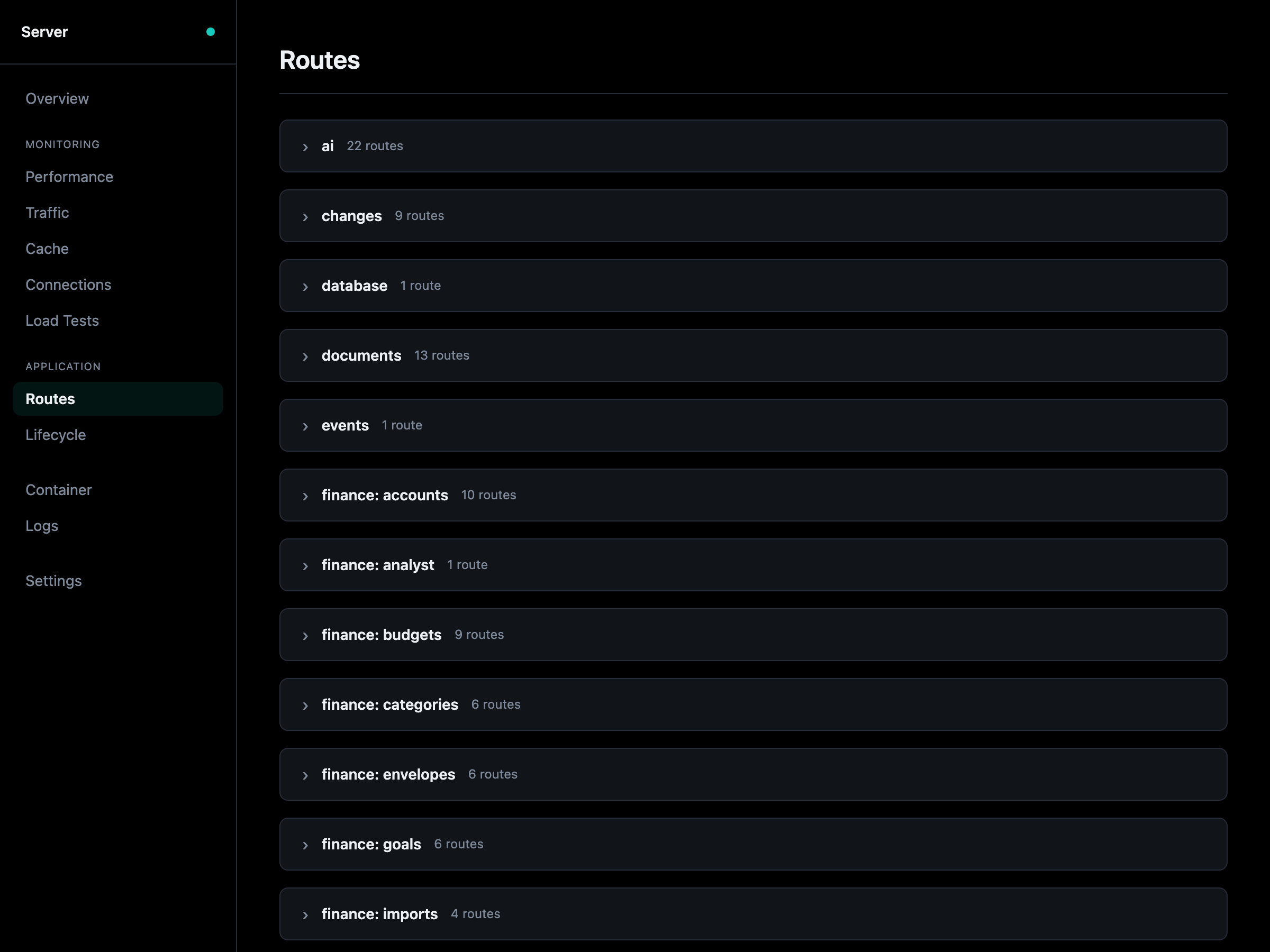
| Routes | Every route by tag: send a request from the page, load test it, walk its dry path, see it on the map |
| Lifecycle | What runs when the app starts, wraps every request, and runs when it stops: startup hooks, the middleware stack, shutdown hooks |
Routes
Each route shows its method, path, response model, the dependencies that resolve before it runs, and whether it needs sign-in. Expanded, it has:
- A request form built from its OpenAPI operation, as
/docshas. Execute sends it once, in the server, as admin, a user or anonymous, and shows the curl command, status, time, body and headers. A route that writes is sent only once you tick the box under it. - Dry path: every hop the route can take, read from the code without sending anything (the handler, the services it calls, the tables a query names, work handed to the queue, the providers it calls), each at its line in Code. Show on the map lights the parts it crosses.
- Load test this: Load Tests, with the route and your values filled in.
Details: Routes, Load testing, Lifecycle, Cache.