Agents and Calendars
The bot joins as an agent: a Google account of its own, with its own name, sign-in and calendar.
Sign the bot in
Meet turns away a browser that is not signed in. Make the bot a Google account of its own (never yours), then sign it in once:
Chrome opens at Google's sign-in. Sign in as the bot, quit Chrome, and the sign-in is kept, encrypted, in the secrets store. Needs the secrets component and an ENCRYPTION_KEY. Until then the bot joins as a guest.
More than one agent
Each agent is its own Google account with its own name in the call, say a work notetaker and a personal one:
A meeting is sent as the first agent unless another is named. Each agent's picture, Camera and Answers anyone switches are set on Overseer's Agents tab.
Invite the agent, it comes
Give an agent its calendar: in its Google Calendar settings, set "Add invitations to my calendar" to "From everyone", then copy the "Secret address in iCal format" into a secret (MEETINGS_BOT_CALENDAR_SECRET for the first agent, MEETINGS_BOT_CALENDAR_SECRET__WORK for work):
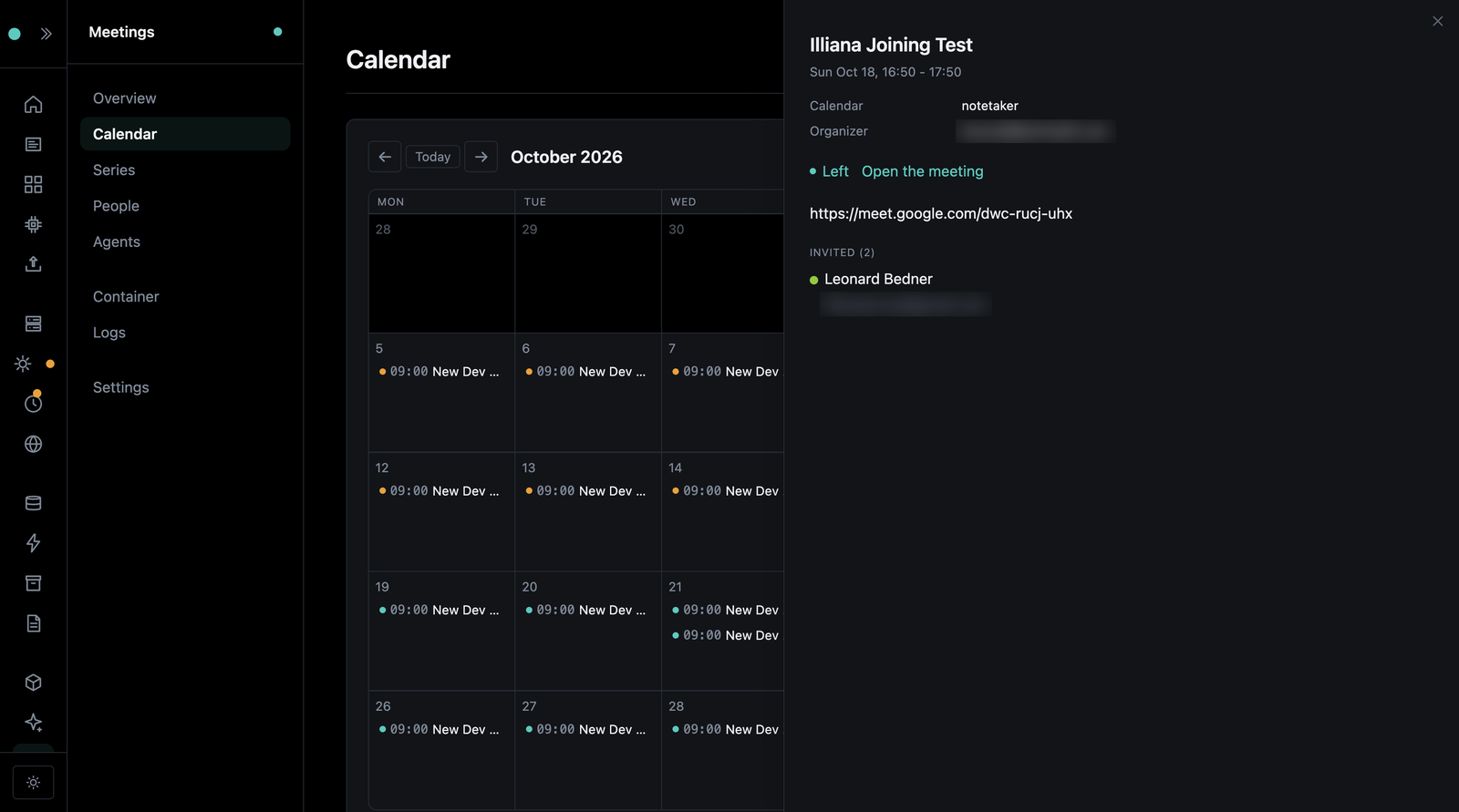
Now invite the agent's address to a meeting, and it joins about a minute before the start, every time a recurring meeting happens. Turn that off with MEETINGS_JOIN_FROM_CALENDAR; the calendar is still shown.
A meeting joined from the calendar is owned by the first person on the invite with an account here, else the agent's default owner (set on the Agents tab).